

We use icons to add visual interest throughout our brand spaces. Icons create delight and reduce cognitive load. We commonly use icons to draw attention to a button, explain a menu, describe a feature, and many more use cases. Icons are a powerful tool for your repertoire.
We use a library of Icons called Phosphor in the Duotone styling
If you are using Figma you may download the full icon library here:
➡️ Phosphor Figma Library
If you don't use Figma, you can download some individual icons I saved out here:
Download branded icons
Dark icons
Dark icons work best on lighter backgrounds, offering clarity and precision with a more refined tone compared to the colored versions.
🗒️ If you are using the Phosphor Figma Library these icons should be set to #020C1C
approved background colors
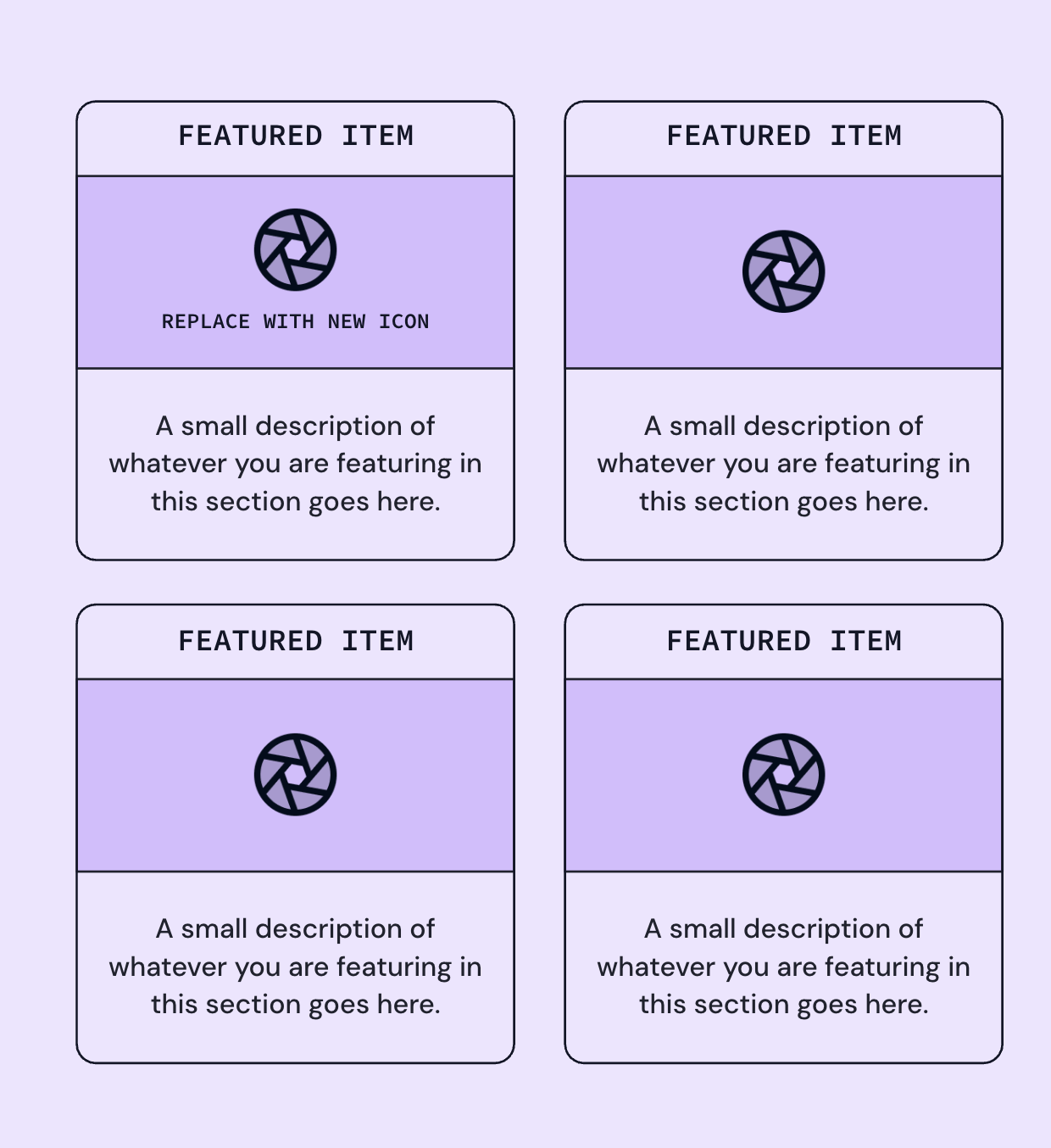
examples of correct usage:


Blurple icons
Blurple icons can add some impact and flair to a clean and simple layout. If everything else on your page is neutral colored, consider opting for the Blurple icon set!
🗒️ If you are using the Phosphor Figma Library these icons should be set to #5C45FF
approved background colors

examples of correct usage:


White icons
Our white icons are clean and straightforward, ideal for use on Blurple or other dark backgrounds!
🗒️ If you are using the Phosphor Figma Library these icons should be set to #FFFFFF
approved background colors

Animated icons
Animated icons bring moments of delight and emphasis to our brand. They should be used sparingly to highlight key interactions, guide user attention, or add personality, without overwhelming the experience. Think of them as accents: purposeful, clear, and supportive of the content.
Please use no more than 3 animated icons in one visual space, you should not see more than 3 animations at one time to reduce visual overload.
🗒️ Please use the same approved background colors as the above icons (example: for blurple animated icons, follow the guidelines for the blurple regular icons)


.svg)
Download animated icons
Emojis
Emojis aren’t just for decoration—they’re a language in and of themselves. In most contexts, their playfulness is also very on-brand. You can use the built-in emoji keyboard on your Mac, or copy and paste a PNG image of the emoji. I have included a folder with PNG versions of some of the most popular emojis. Use them wisely!
mac keyboard command
You can use the emoji keyboard on your Mac by pressing "control" + "command" + "space"
Icon crimes
You know the rules 😅. But just in case you feel tempted, here's a refresher.

Don't change color

Don't rotate

Don't stretch or scale

Don't use drop shadow